Every time I sit down with a new client, I hear some version of the same question:
“I’m not sure if my blog is even moving the needle.”
And honestly, it’s a fair question. I’ve read blog posts from business owners that are genuinely good – full of real, hard-earned knowledge about their industry and yet that knowledge never reaches the right audience. It’s buried somewhere on page 4 of Google, or worse, it was never even indexed in the first place.
So in this article, I’m going to walk you through exactly what to do the moment you hit publish and how to actually check, in about 15 minutes, whether your blog is working or just sitting there.
First, know what “getting seen” actually means
Before we get into the checks, it helps to understand there are really three different stages, and most business owners only think about the first one:
Indexed — Google has found your page and added it to its database. Without this, nothing else matters.
Ranking — your page shows up for a specific search, somewhere in the results.
Getting clicked (and now, quoted by AI) — people actually see it and click on it, or AI tools like Google’s AI Overviews, ChatGPT, or Perplexity pull information from it directly.
A blog post can be indexed but ranking nowhere useful. It can be ranking but getting zero clicks. Each stage needs to be checked separately — which is exactly what we’re about to do.
Step 0: Do a little keyword research before you write
Before you even open a blank document, it’s worth spending 15–20 minutes figuring out what your customers are actually typing into Google. Skipping this is the #1 reason good writing never gets found — you can write a brilliant article, but if nobody searches for the exact thing you wrote about, Google has nothing to match it to.
A few free tools that make this easy:
Google Keyword Planner — free with a Google Ads account, even if you never run an ad. Shows you real search volume for a topic.
Google Autocomplete & “People Also Ask” — type your topic into Google and see what it suggests, and what related questions pop up in the results.
AnswerThePublic or AlsoAsked — both visualize clusters of real questions people are searching around a topic, in seconds.
SE Ranking — good for checking keyword difficulty and getting content ideas based on what’s already ranking.
If you genuinely don’t have time to do this before writing, don’t let that stop you from publishing just go back afterward and update your title, headings, and a few sentences to match the real language people are searching. Late keyword research is still much better than none.
Step 1: Set up Google Search Console (do this once, today)
If you don’t already have a Google Search Console (GSC) account connected to your website, this is step one — and it’s free. GSC is the closest thing you’ll get to a direct line into how Google actually sees your site: what’s indexed, what’s ranking, and what’s broken.
Once it’s set up and verified, you’ll use it for everything else in this checklist.
Step 2: The moment you publish, submit for indexing
As soon as a new blog post goes live, don’t just assume Google will find it on its own — sometimes it does within hours, sometimes it takes days or even weeks. You can speed this up:
- Open Google Search Console.
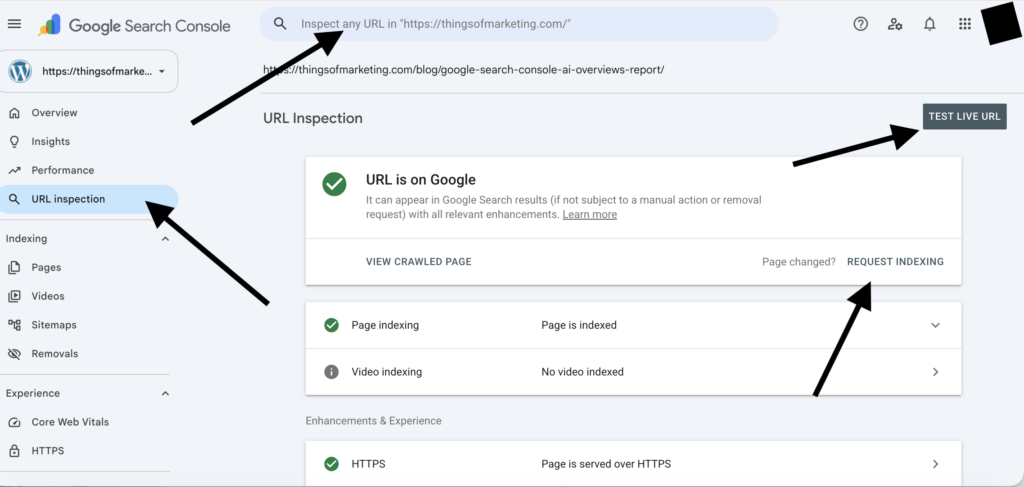
- Paste your new blog post’s exact URL into the URL Inspection tool at the top.
- Click Request Indexing.
This tells Google, “hey, I just published something new — come take a look.” It doesn’t guarantee instant indexing, but it moves you up the queue instead of waiting for Google to stumble onto it naturally.
Step 3: Submit (or update) your sitemap
Your sitemap is basically a map of every page on your website that you hand directly to Google, so it doesn’t have to guess what exists. If you haven’t submitted one:
- In Search Console, go to Sitemaps in the left-hand menu.
- Enter your sitemap URL (usually something like yourdomain.com/sitemap.xml — most website builders like WordPress, Wix, or Squarespace generate this automatically).
- Click Submit.
Every time you publish new content, your sitemap should update automatically and Google will re-check it periodically. This is especially useful for newer websites, since Google visits new sites less often until it learns your publishing pattern.
Step 4: Check if your page is actually indexed
Now for the part most business owners never do — actually verifying it worked. Here are two simple ways:
The site: search trick Go to Google and type:
site:yourdomain.com “your blog post title”
If your page shows up, it’s indexed. If nothing appears, it either hasn’t been indexed yet or there’s a problem worth investigating.
The URL Inspection tool (most reliable) Back in Search Console, paste the exact page URL into the URL Inspection tool. It will tell you directly:
- “URL is on Google” — you’re indexed
- “URL is not on Google” — it isn’t yet, and GSC will usually tell you why
(One note: Google used to let you view a “cached” version of a page to double-check indexing — that feature has since been retired, so the URL Inspection tool is now the most accurate way to check.)
Step 5: Wait a bit, then track your progress properly
Indexing can take anywhere from a few hours to a couple of weeks, especially for newer or smaller sites. Once your page is indexed, go back into Search Console’s Performance report, add the exact page URL as a filter, and you’ll be able to see:
Impressions — how many times your page appeared in search results
Clicks — how many people actually clicked through
Average position — roughly where you’re ranking for different search terms
Check this every few weeks, not every day – SEO moves slowly, and daily numbers will just stress you out without telling you anything useful. Month over month is the real story.
What about AI Overviews and ChatGPT?
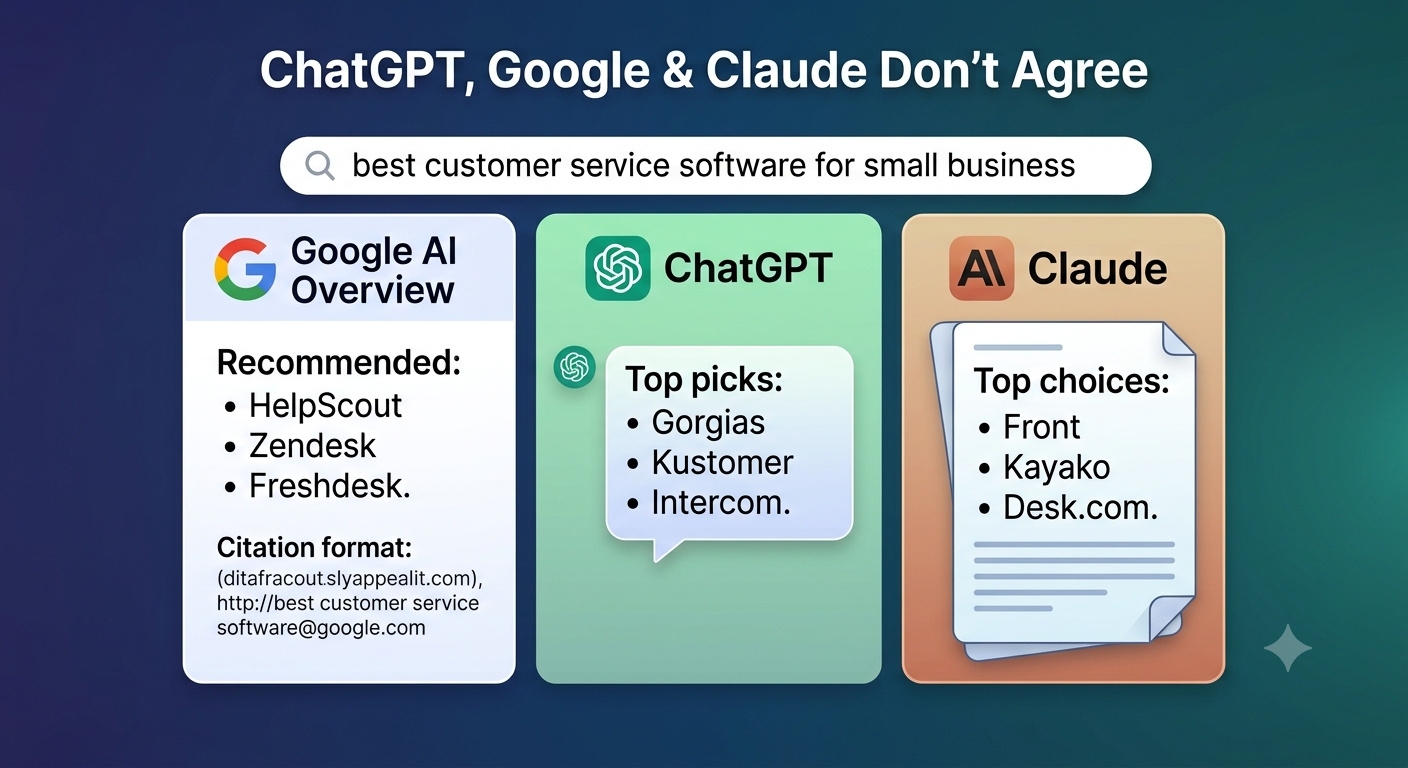
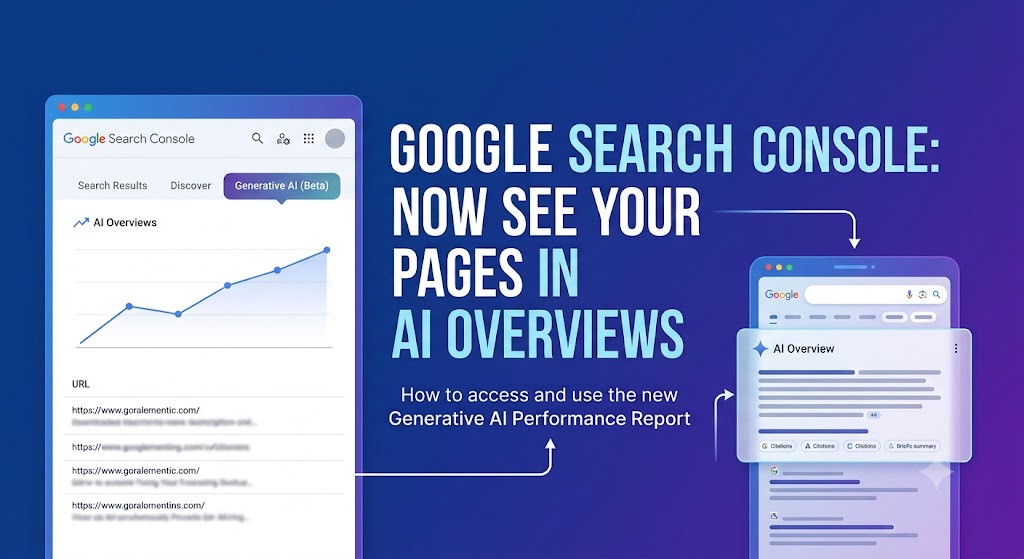
This is the part that’s changed the most recently. Google’s AI Overviews (and tools like ChatGPT, Perplexity, and Gemini) don’t just rank pages — they pull short, direct answers from pages and summarize them. To improve your odds of being the source they quote:
- Answer the core question directly and clearly, ideally in the first 1–2 sentences under each heading — not buried in a long intro
- Use clear, descriptive subheadings that match how people actually ask the question
- Include specific facts, numbers, or steps — vague, generic paragraphs rarely get quoted
- Keep sentences short enough to be “liftable” as a standalone answer
You can’t fully control whether AI tools choose to quote you, but structuring content this way significantly improves your odds — and it also happens to make your content easier for actual humans to skim, so there’s no downside.
If it’s still not showing up, here’s what to check
If you’ve done all of the above and your post still isn’t indexed or ranking after a few weeks:
Re-submit it for indexing through the URL Inspection tool — sometimes it just needs a nudge.
Double-check your sitemap actually includes the new URL and hasn’t errored out.
Check for a “noindex” tag — sometimes website platforms accidentally block a page from being indexed at all; your web developer or Search Console’s coverage report can confirm this.
Build a few backlinks to the page — even one or two relevant, quality links (from a local business directory, a partner’s website, or a guest post) can signal to Google that the page is worth crawling and trusting.
Revisit the content itself — thin, generic, or overly promotional posts are far less likely to rank, no matter how well the technical side is set up.
Your 15-minute checklist
Screenshot this and run through it every time you publish:
- Did I do at least a little keyword research before or after writing?
- Is Google Search Console set up and connected to my site?
- Did I submit the new URL for indexing?
- Is my sitemap submitted and up to date?
- Did I confirm the page is indexed (site: search or URL Inspection)?
- Am I checking clicks, impressions, and position monthly?
- Does the page answer the core question clearly near the top?
- Does it link to a relevant service or product page?
If you’re publishing every week and can’t confidently check off this list, that’s usually the real reason it doesn’t feel like it’s moving the needle — not the writing itself, and not “SEO being broken.” It’s almost always a missing step somewhere in this process.